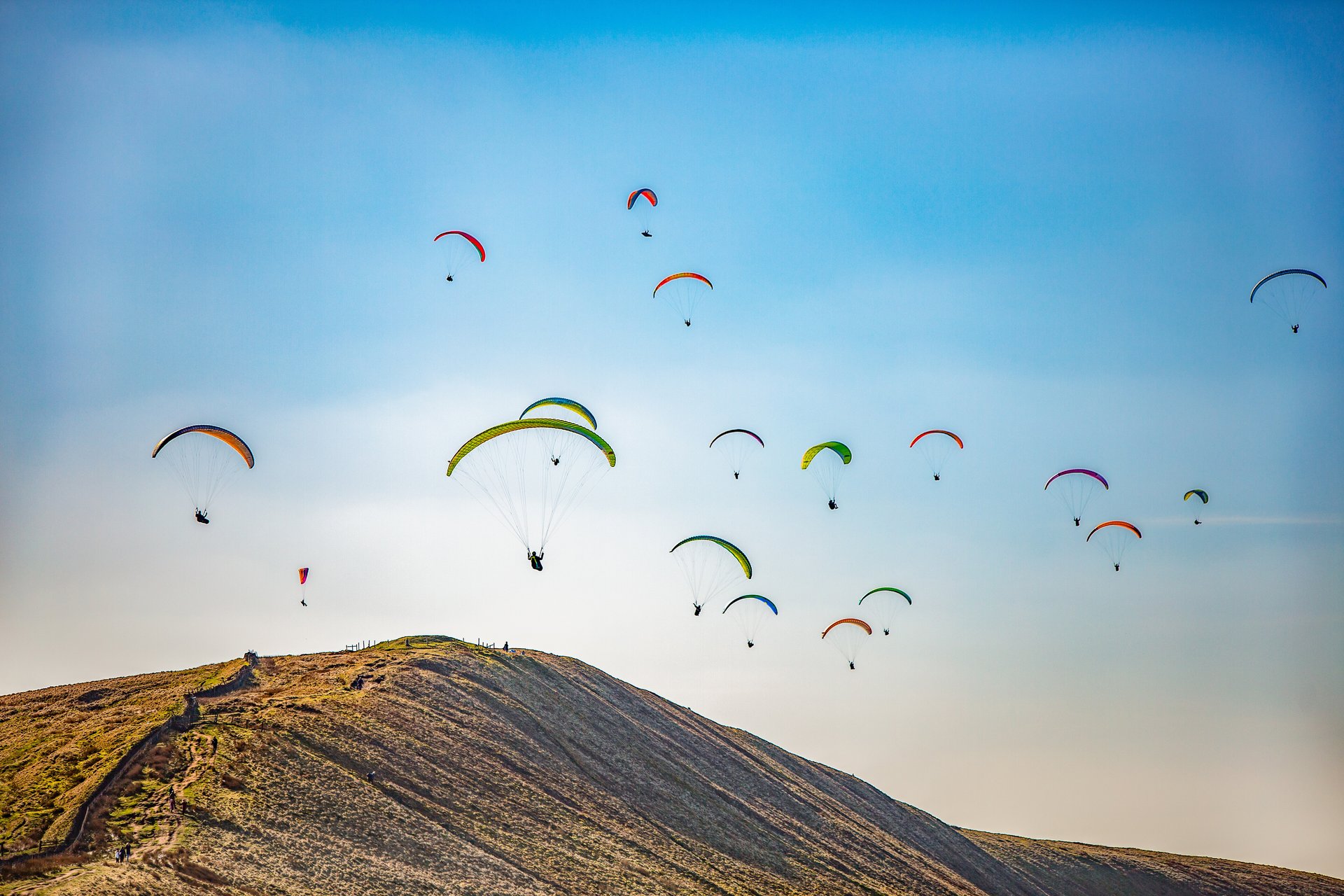
Intro to FPV
Whether you're chasing vehicles, filming sports, or creating cinematic content, FPV drones provide a unique perspective that traditional drones cannot match. However, getting started requires an understanding of flight controls, safety procedures, and the right equipment to ensure a successful and enjoyable flying experience.
DRONEDRONE TIPS
Ben Illingsworth
2/8/20264 min read
Introduction to FPV & How to Get Started
Why FPV?
FPV (First Person View) drones provide a highly immersive flying experience.
Ideal for chasing cars, boats, aircraft, cyclists, and other moving subjects.
Allows full control of the drone, including high-speed manoeuvres, dives, flips, and tricks.
Creates dynamic footage that is difficult to achieve with traditional camera drones.
Important Safety Considerations
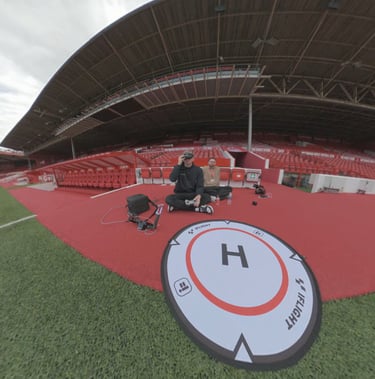
Always fly with a spotter when wearing FPV goggles, as you cannot maintain Visual Line of Sight (VLOS).
Maintain a clear signal path between you and the drone to minimise signal loss.
Avoid flying behind terrain or obstacles, which can block transmission and potentially result in a crash.
Getting Started
FPV has a steeper learning curve than standard drone flying.
Pilots must control Roll, Pitch, Yaw, and Throttle simultaneously.
Learn proper LiPo battery safety, charging procedures, and voltage management before flying.
Progressing Further
Consider DJI Care Refresh for added protection against crashes or flyaways.
Once comfortable with FPV and software such as Betaflight, explore iFlight FPV drones for greater performance, customisation, and repairability.
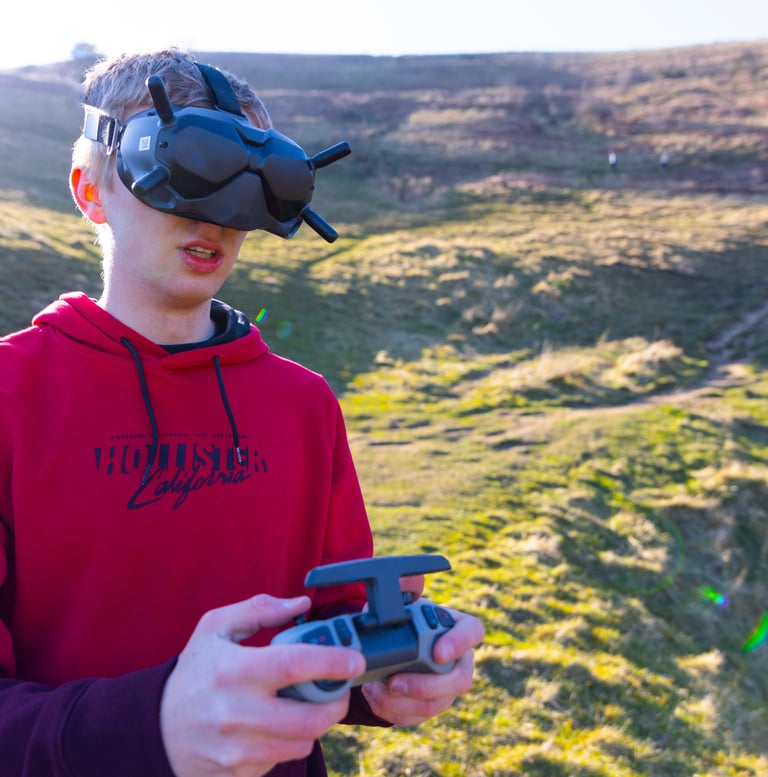
The Best FPV Simulators
The Best FPV Simulators
Every aspiring FPV Flight should practice for at least 10 hour on a flight sim before flying for real. This means that they can protect their investment and avoid an instant crash.
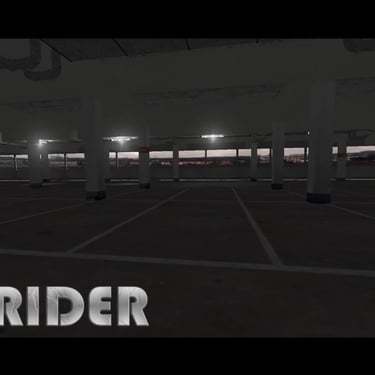
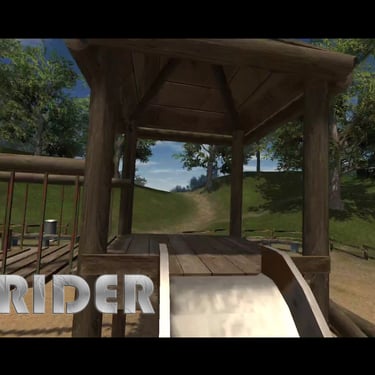
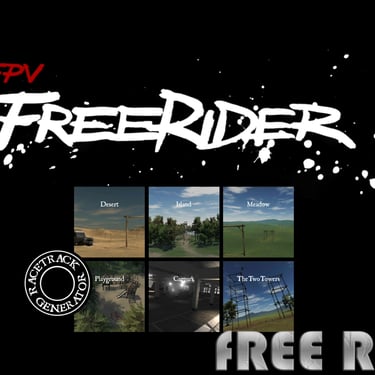
For your android phone there is a simulator called Free Rider that works great as you can connect your controller via USB C to your phone and start flying after binding the controls. It has a few maps to select from, however It is limiting compared to the sims available on Steam.
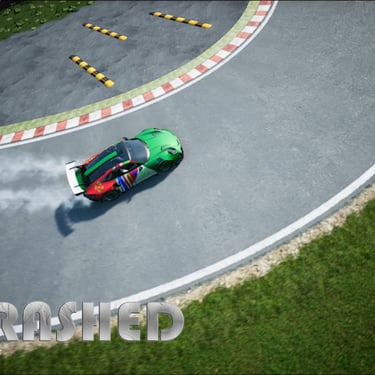
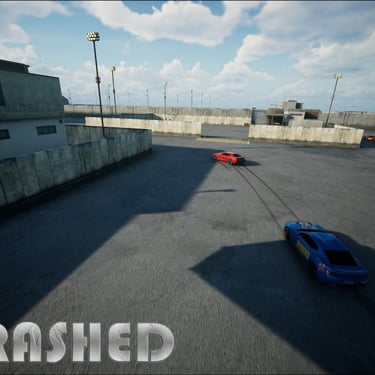
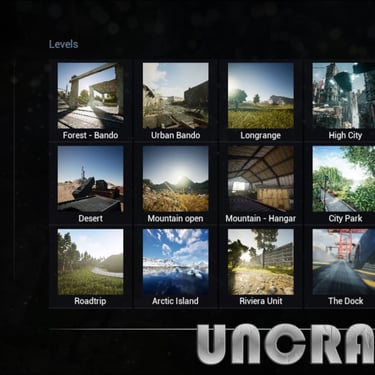
Uncrashed is the fastest FPV simulator to navigate through the menus and to switch between the different maps. You can chase cars in this simulator but that is the only thing you can chase. It is a very good simulator but I feel overall that there is nothing special about it. The only challenge you can do is flying through some hoops.
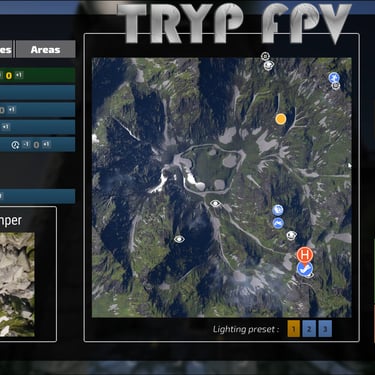
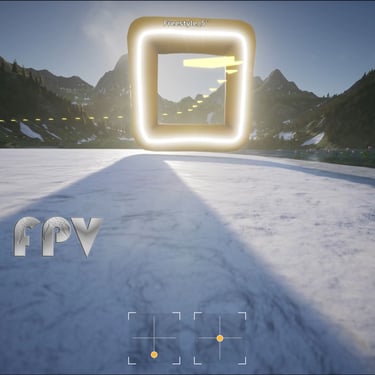
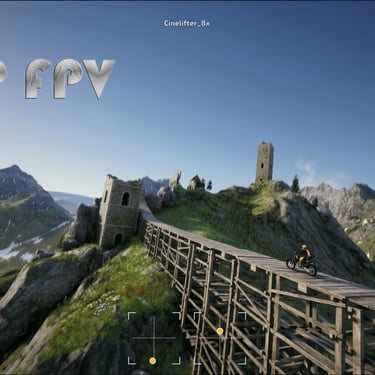
This flight simulator in my opinion has the most potential, as it is still in development stage, but stills looks amazing. The sim can crash sometimes, but the locations : The Alps Mountains, Desserts and snowy resorts look amazing. There are physical moving things to follow in this sim such as cars, paragliders and balloons. Setting it up took a while but other than that I don't really have any complaints. You can also play in lots of different challenges.
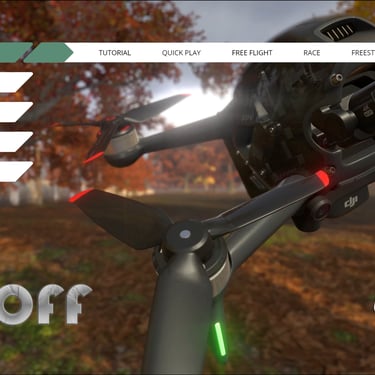
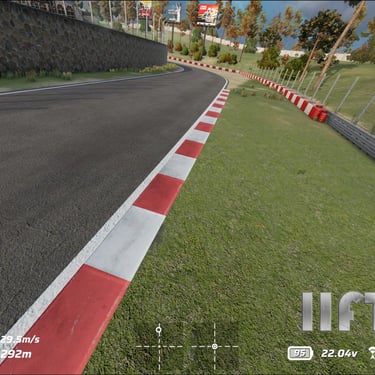
Lift Off is the best option if you have the DJI FPV Drone (The one that is made of glass and will shatter if you crash it) This is the most ready out of the box drone if you have this drone as you can just connect your controller and you are ready to go. The graphics are fantastic and it is the most stable out of all the available drones in terms of the main of crashes (computer crashes) It doesn't have many physical objects to follow like Uncrashed and TRYP FPV have, which can make it a little boring a times, but a great flight simulator.
Latest FPV Drones: DJI Avata 2, DJI Avata 360 & iFlight Models
The FPV drone market has evolved rapidly, with manufacturers focusing on improved image quality, safer flight characteristics, and more immersive flying experiences. DJI continues to dominate the ready-to-fly FPV market with the DJI Avata 2 and the newer DJI Avata 360, while iFlight remains a favourite among experienced FPV pilots seeking maximum performance and customisation.
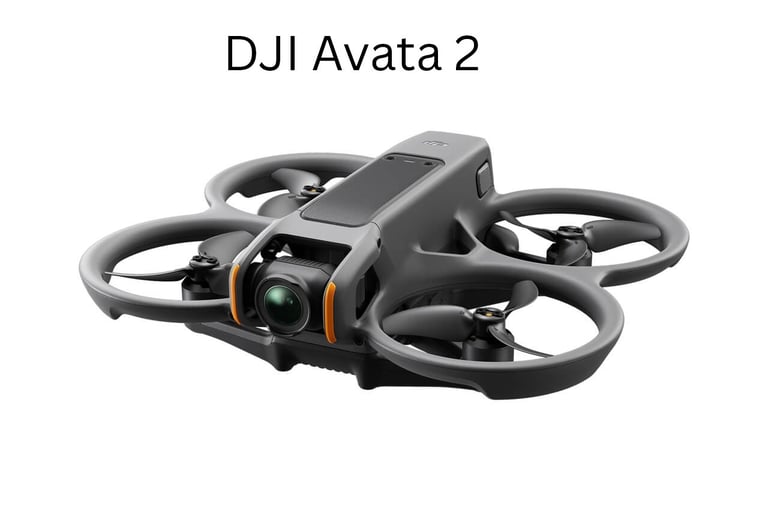
DJI Avata 2
The DJI Avata 2 is designed for pilots who want cinematic FPV footage without the complexity of building and tuning a custom drone. It offers improved image quality, better flight performance, and DJI's reliable safety features, making it one of the best beginner-to-intermediate FPV drones available.
Pros
Excellent 4K image quality
Beginner-friendly controls
Integrated propeller guards for added safety
Reliable DJI video transmission system
Quick setup and easy operation
Cons
Less agile than custom FPV drones
Higher price than DIY alternatives
Limited repairability
Not ideal for aggressive freestyle flying
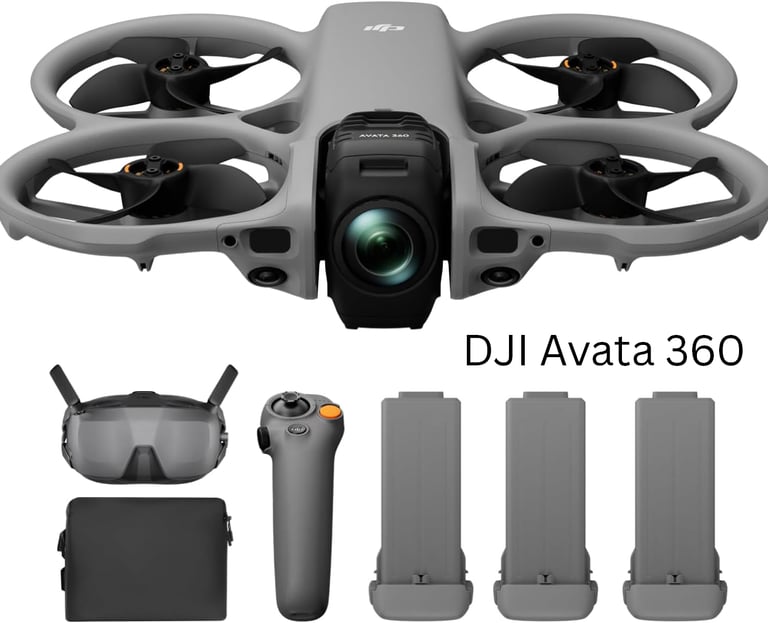
DJI Avata 360
The DJI Avata 360 introduces an integrated 360-degree camera system, allowing pilots to capture the entire environment and choose camera angles later during editing. With up to 8K 360° recording, it is aimed at creators who want maximum flexibility in post-production.
Pros
Full 360° video capture
Reframe shots after flying
High-resolution 8K recording
Advanced safety and obstacle sensing
Ideal for commercial and social media content
Cons
Large file sizes
More demanding editing workflow
Slightly heavier than the Avata 2
Less nimble than traditional FPV drones
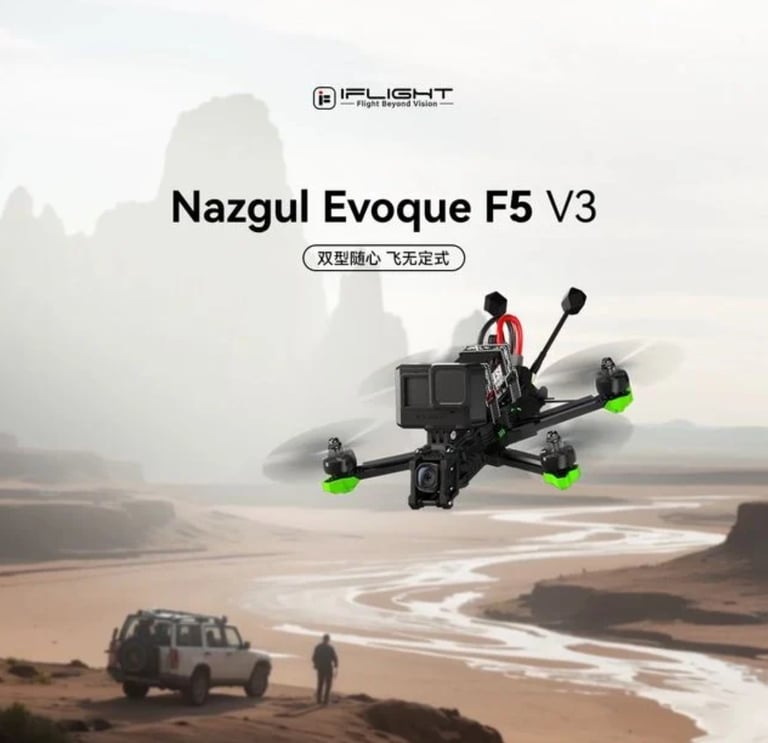
iFlight Nazgul Evoque F5
The iFlight Nazgul Evoque F5 is one of the most respected pre-built FPV drones available. Designed for freestyle flying and high-performance cinematic work, it delivers a flying experience that many FPV enthusiasts prefer over consumer-focused drones.
Pros
Extremely powerful and fast
Excellent freestyle performance
Fully repairable and upgradeable
Strong aftermarket support
Professional-level flight characteristics
Cons
Steeper learning curve
No obstacle avoidance
Greater crash risk for beginners
Requires more maintenance
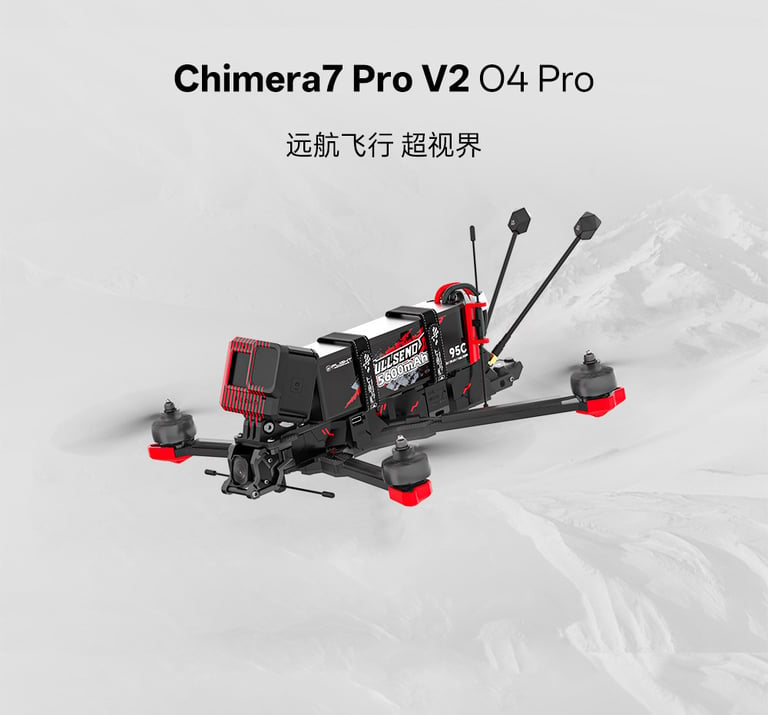
iFlight Chimera 7 Pro
The iFlight Chimera 7 Pro is built for long-range FPV missions and cinematic landscape filming. Its larger 7-inch propellers provide greater efficiency, longer flight times, and excellent stability.
Pros
Outstanding long-range capability
Extended flight times
Smooth cinematic footage
Excellent for commercial landscape work
Cons
Larger and less portable
Requires advanced flying skills
Not suited for tight indoor locations